baromonitor Barometer Dashboard Example
This example is used to demonstrate a practical use case for an LVGL application on NuttX. It subscribes to a barometer sensor topic and displays the pressure and temperature information on animated gauges.
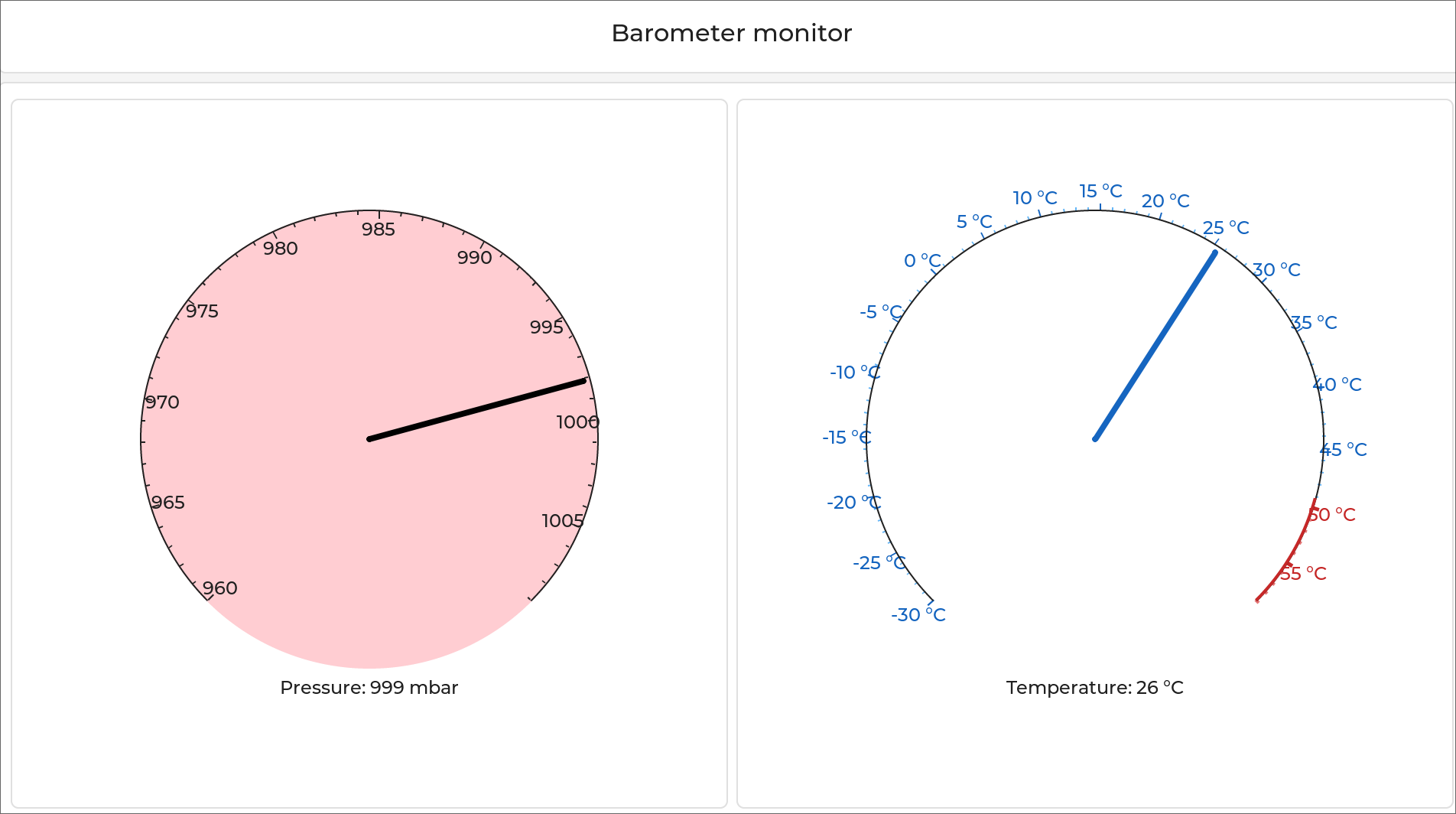
The barometer dashboard in action
To use the barometer dashboard, just ensure there is a sensor_baro topic
registered on the target and then run baromonitor. These sensor topics are
registered by NuttX barometer sensor drivers (see
Sensor “uORB” Drivers).
By default, the application attempts to subscribe to sensor_baro0, but if
you wish to monitor a different barometer topic you can pass the instance number
as an argument (i.e. baromonitor 2 subscribes to sensor_baro2).
For maximum compatibility with all sensors (those that publish on their own via
interrupts/kernel threads _and_ those that only fetch data when read from), the
application takes the approach of reading sensor data in a loop at a rate
defined by CONFIG_EXAMPLES_BAROMONITOR_SAMPLERATE.